Reading time: ~7 minutes
Recap of Part 1: In Part 1 I explained why I chose Docker on my Windows 10 PC and how a containerized WordPress lets me learn safely without touching my live site. In this follow up, we install Docker Desktop, run a quick test, then start WordPress with Docker Compose.
Why run Docker WordPress on Windows 10
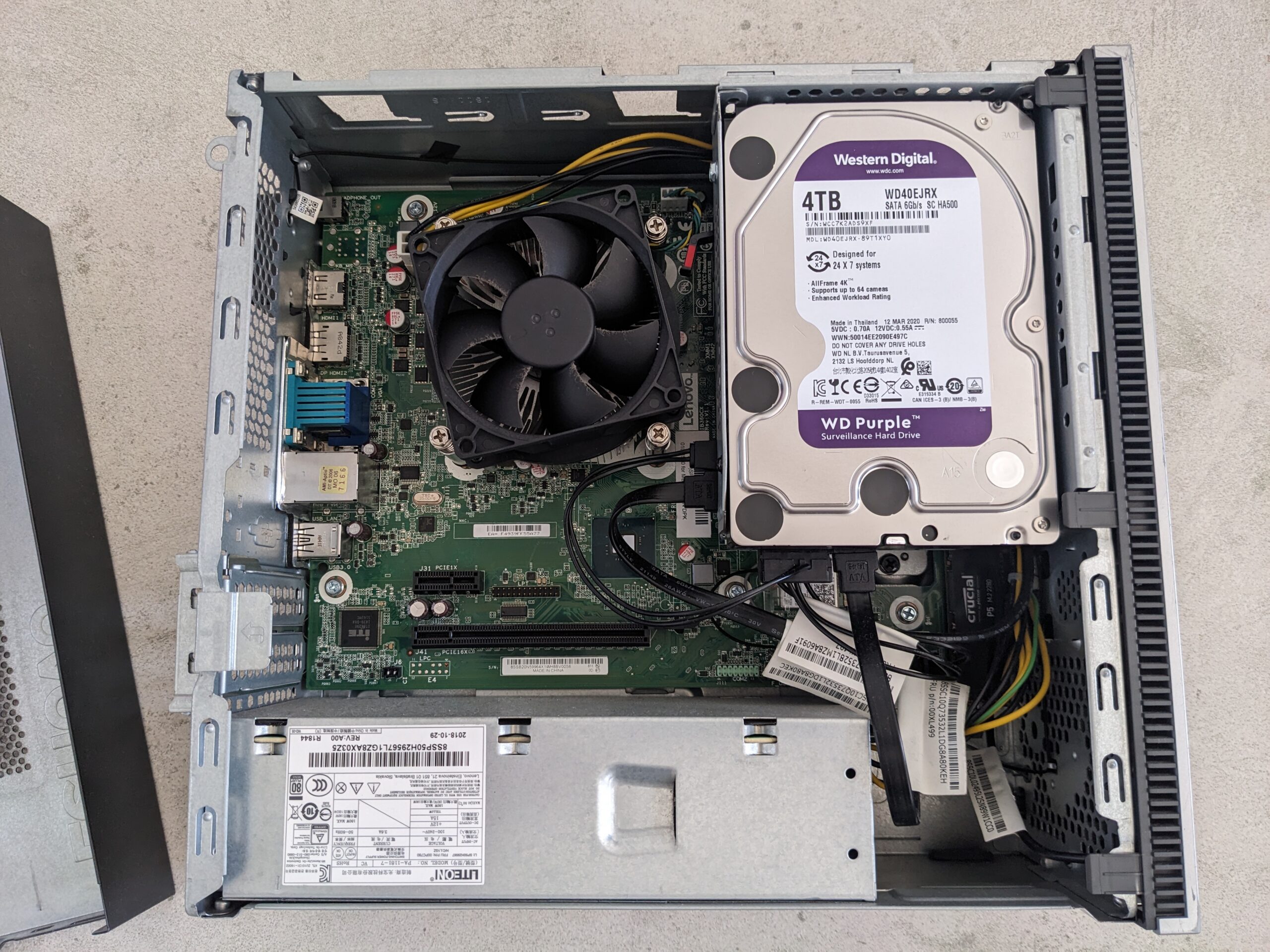
If you want a clean and isolated WordPress to test themes, plugins, or migrations, Docker on Windows 10 is a simple and repeatable approach. It keeps experiments in a sandbox, so your main system remains untouched. You can start fresh at any time. In my case, this setup is run on Lil beast.
(more…)