This post is about my Lenovo 510s 32 GB RAM Jellyfin upgrade. Recently, I found a matching 16 GB DDR4 stick for 50 USD, which is rare these days as AI demand keeps pushing memory prices around. Because of that, upgrading RAM whenever I can is my top priority. With the second stick installed, Lil Beast now runs in dual channel and I have 32 GB total. As a result, Jellyfin should feel better with this setup, especially when I transcode. Meanwhile, I will share more about my Jellyfin server soon since I have not written about it yet.
If you missed the first two posts:
- My First Homelab PC: Meet “Lil Beast” – Lenovo 510s with i5-8400 – HatimDev
- Homelab Upgrade: RAM and Storage Upgrade on the Lenovo 510s
What changed
- RAM: 1 × 16 GB → 2 × 16 GB (32 GB total)
- With that, dual channel is back, so memory bandwidth is higher
- No other hardware changes
Small detail from the install
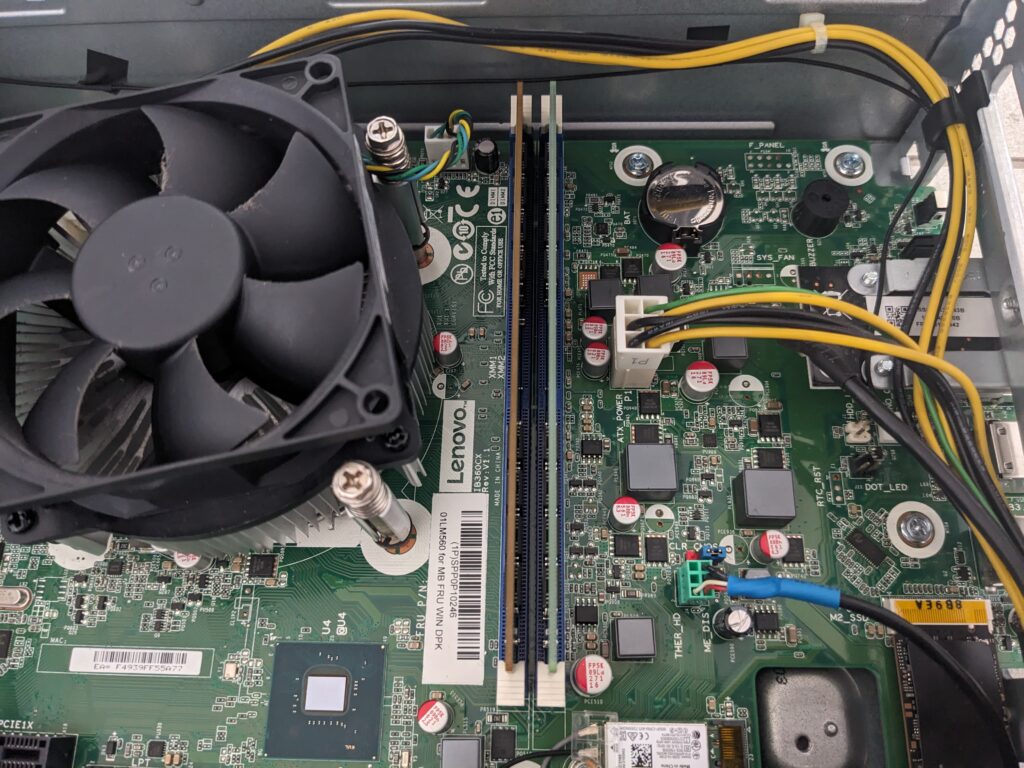
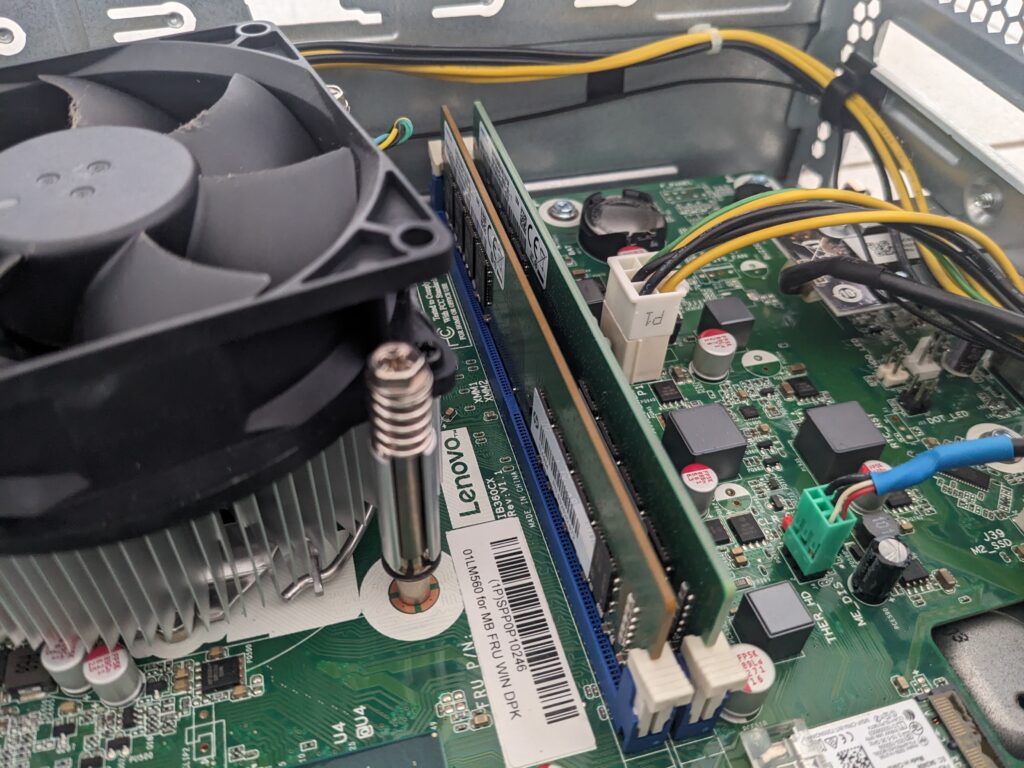
However, even though I bought the exact same model, Samsung M378A2K43DB1, the PCB looks different from my first stick. The soldered SMD parts look identical. Manufacturing revisions happen, so the physical board can vary even under the same model.
Samsung’s DDR4 docs note that products and specifications can change without notice, which explains why two units can look different while behaving the same. See the DDR4 Product Guide and the specific module sheet for M378A2K43DB1.
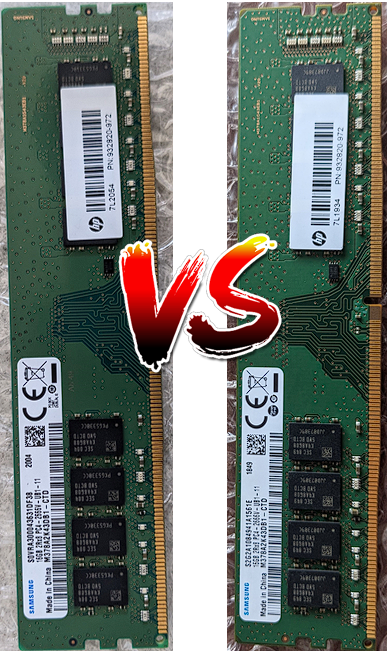
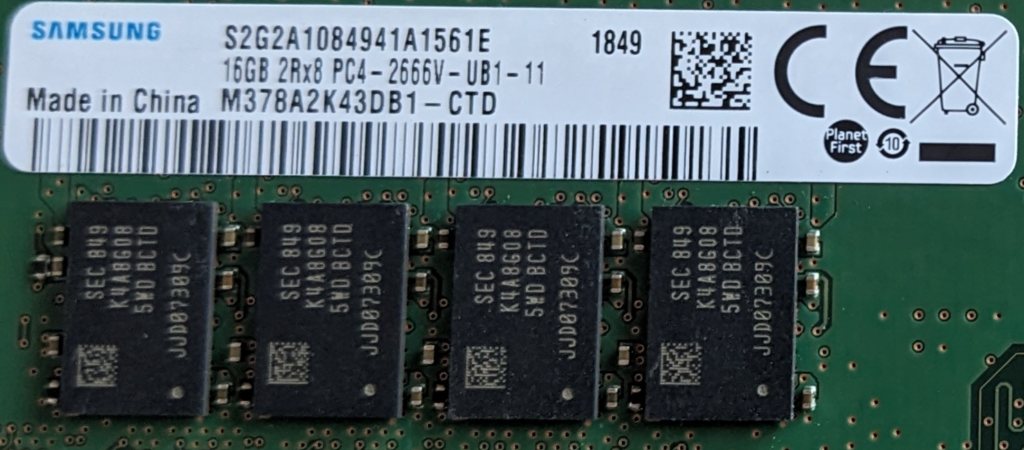
(Note: It is common in the PC world for identical part numbers to vary by internal lots over time.) [videocardb…chmark.net]
Quick install notes
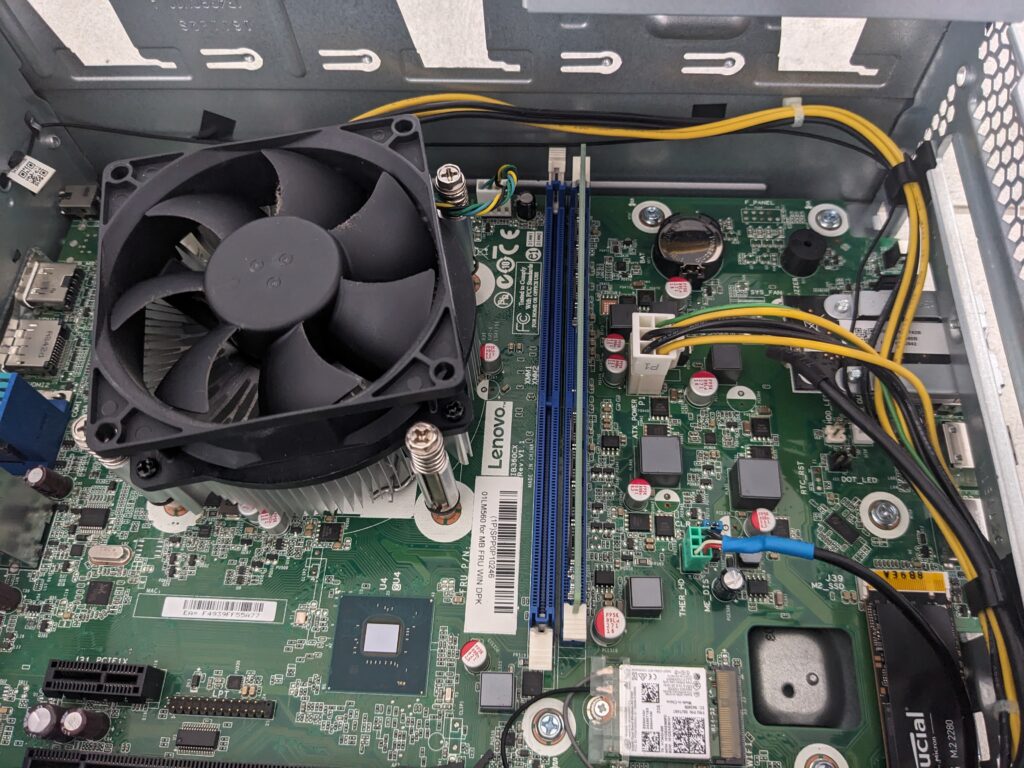
After opening the case, I swung the drive cage out to reach the DIMM slots, seated the new 16 GB stick, and then booted to confirm 32 GB in BIOS and in the OS.
Does Jellyfin benefit from dual channel RAM?
Specifically, on the i5‑8400 the UHD 630 iGPU handles transcoding via Intel Quick Sync, and it uses system memory rather than dedicated VRAM, so memory bandwidth matters. In short, dual channel raises the memory bus from a single 64‑bit path to a combined 128‑bit path, which increases throughput and can help when transcoding or when multiple streams run at once. If the client direct plays your files, you may not notice a difference.
For a clear explanation of single vs dual channel at the platform level, see this deep dive from GamersNexus: RAM Performance: Single vs Dual Channel.
For now, that is all for today. I will share my Jellyfin setup in the next post.
Also, this Lenovo 510s 32 GB RAM Jellyfin change gives me room to try more services soon.

Leave a Reply